What Is the Difference Between Google and Google Chrome?
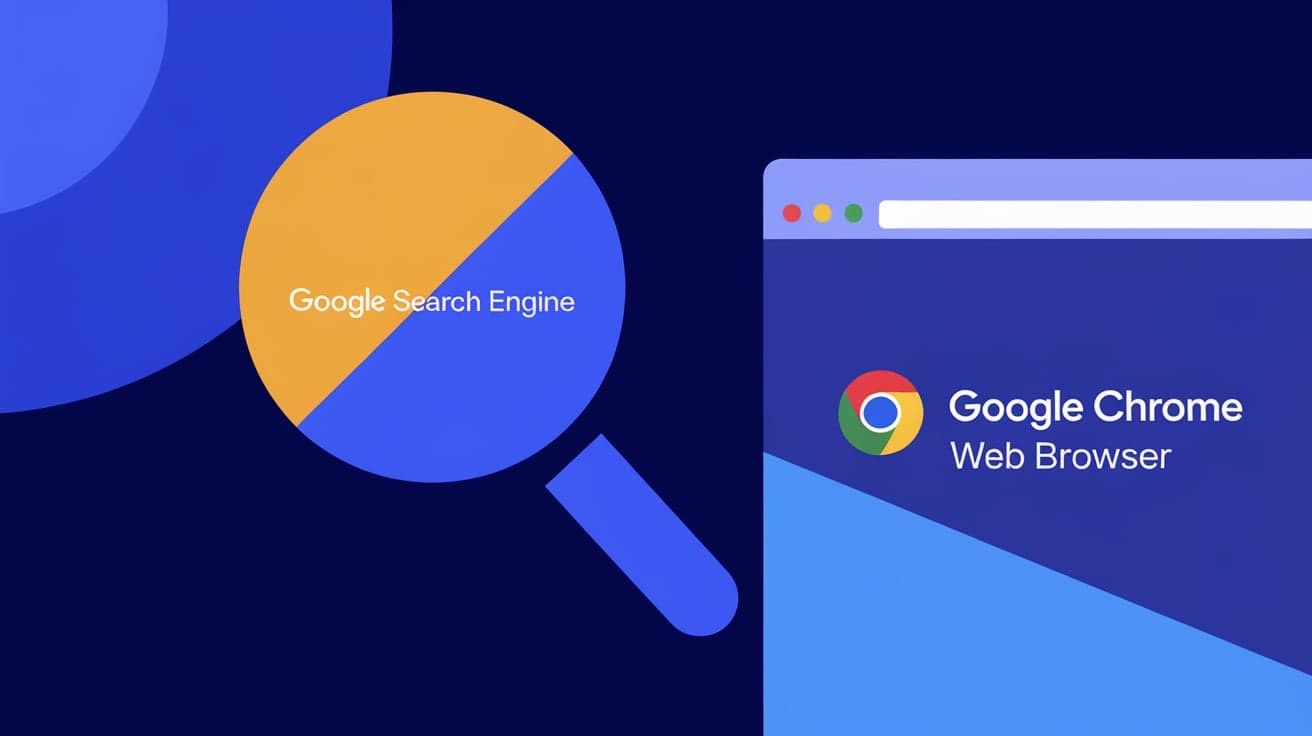
You’ve probably heard of both Google and Google Chrome, but have you ever wondered what sets them apart? It’s easy to confuse the two since they’re both developed by the same company, but they serve very different purposes. Google is a tech giant offering a variety of services, while Google Chrome is one of the tools they’ve created for web browsing.
In this guide, I’ll break down the key differences between Google and Google Chrome in simple terms. By the end of this article, you’ll clearly understand what each does and how they work together.
Understanding Google
Google is a company, but it’s also much more than that. It’s a household name synonymous with the internet itself.
What Is Google?
Google is a multinational technology company best known for its search engine. However, it offers a wide range of products and services, including:
Google Search: The tool you use to find answers on the internet.
Google Maps: A navigation app for directions.
Gmail: An email service.
Google Drive: Cloud storage for documents, photos, and more.
What Makes Google Unique?
Google’s mission is to organize the world’s information and make it universally accessible. Whether you’re searching for a recipe or sending an email, Google likely plays a role.
In short, Google is the brain behind many tools and platforms you use daily.
What Is Google Chrome?
While Google is the company, Google Chrome is a product that the company created.
What Is Google Chrome?
Google Chrome is a web browser. It’s the software you use to access the internet. For example:
When you type a website address (like www.example.com), Chrome loads that site.
Chrome lets you open multiple tabs, download files, and browse securely.
Features of Google Chrome
Speed: Chrome is designed for fast web browsing.
Simplicity: Its user-friendly design makes it easy to navigate.
Extensions: You can add features like ad blockers or password managers.
Sync Across Devices: By signing into Chrome, you can sync your bookmarks and browsing history on all your devices.
Chrome is one of the most popular browsers in the world, thanks to its efficiency and integration with Google services.
Key Differences Between Google and Google Chrome
Now that you know what each one is, let’s compare them directly.
1. Functionality
Google: A company and a platform for various services like search, email, and cloud storage.
Google Chrome: A web browser used to access websites and online content.
Google creates tools like Chrome, but Chrome is just one of many products.
2. Usage
Google: You use Google Search when you need to find something online.
Google Chrome: You use Chrome as a gateway to access Google Search or other websites.
In short, Chrome helps you reach Google, but they’re not the same thing.
3. Integration
- Google Chrome integrates seamlessly with Google services. For example, you can log into Chrome with your Google account to sync bookmarks and passwords.
How They Work Together
Although Google and Google Chrome are different, they work hand-in-hand.
Using Google Through Chrome
When you open Chrome and type a query into the address bar, you’re using Google Search. Chrome acts as the bridge, connecting you to Google’s services.
Syncing Across Devices
By logging into Chrome with your Google account, you can access saved bookmarks, extensions, and browsing history on multiple devices.
This integration makes Chrome the go-to browser for many people who rely on Google’s services.
Why the Confusion?
It’s easy to see why people mix up Google and Google Chrome. Here are some common reasons:
1. Branding
Both share the Google name, so it’s natural to assume they’re the same thing.
2. Integration
Chrome is built to work seamlessly with Google services, blurring the line between the two.
3. Usage Overlap
When you open Chrome, the default search engine is Google, making it seem like you’re using one single tool.
Should You Use Both?
Most people already use both Google and Google Chrome without realizing it. Here’s why they work so well together:
Benefits of Using Chrome with Google Services
Convenience: Sync your passwords, bookmarks, and browsing history across devices.
Efficiency: Chrome is optimized for Google tools like Gmail and Google Docs.
Security: Chrome includes features like Safe Browsing to protect you from harmful websites.
If you use Google services often, Chrome is the best browser to complement them.
Alternatives to Google Chrome
While Chrome is a popular choice, it’s not the only browser available.
Other Browsers You Can Try
Firefox: Known for its privacy features.
Safari: Optimized for Apple devices.
Microsoft Edge: Built into Windows and offers great integration with Microsoft services.
Each browser has its strengths, but Chrome’s tight integration with Google makes it stand out.
Conclusion
To sum up, Google is the company behind countless tools and services, while Google Chrome is one of its products—a web browser. Google helps you find information, manage emails, and store files, while Chrome is the tool you use to access these services.
Understanding the difference can help you use both more effectively. Whether you’re searching the web or syncing bookmarks across devices, knowing how Google and Google Chrome work together ensures a smoother online experience.
FAQs
Is Google Chrome the same as Google?
No, Google is a company and platform offering various services, while Google Chrome is a web browser developed by Google.
Can I use Google without Chrome?
Yes, you can use Google services like Gmail or Google Search on other browsers like Firefox or Safari.
Is Chrome free to use?
Yes, Google Chrome is completely free to download and use on all platforms.
Does Chrome require a Google account?
No, you can use Chrome without logging in, but signing in allows you to sync bookmarks, history, and extensions.
What’s the difference between Google Search and Chrome?
Google Search is a tool for finding information online, while Chrome is the browser you use to access Google Search.
Also read -
why are my pdfs opening in chrome